CRM
Sally's CRM is a lightweight relationship surface per brand: enough structure to keep customer context current, simple enough that it actually gets used — by people and by agents. It shares contacts, context, and permissions with the rest of the workspace, so a call you log, a deal you move, or an order a customer places all resolve to the same person.
Records
The CRM is built from five record types, all scoped to a brand (workspace):
- Organizations — companies, customers, or accounts, with firmographics (industry, size, source), a full postal address, website/email/phone, notes, labels, and an owner. An organization is the same user-facing thing Sally calls a Client elsewhere.
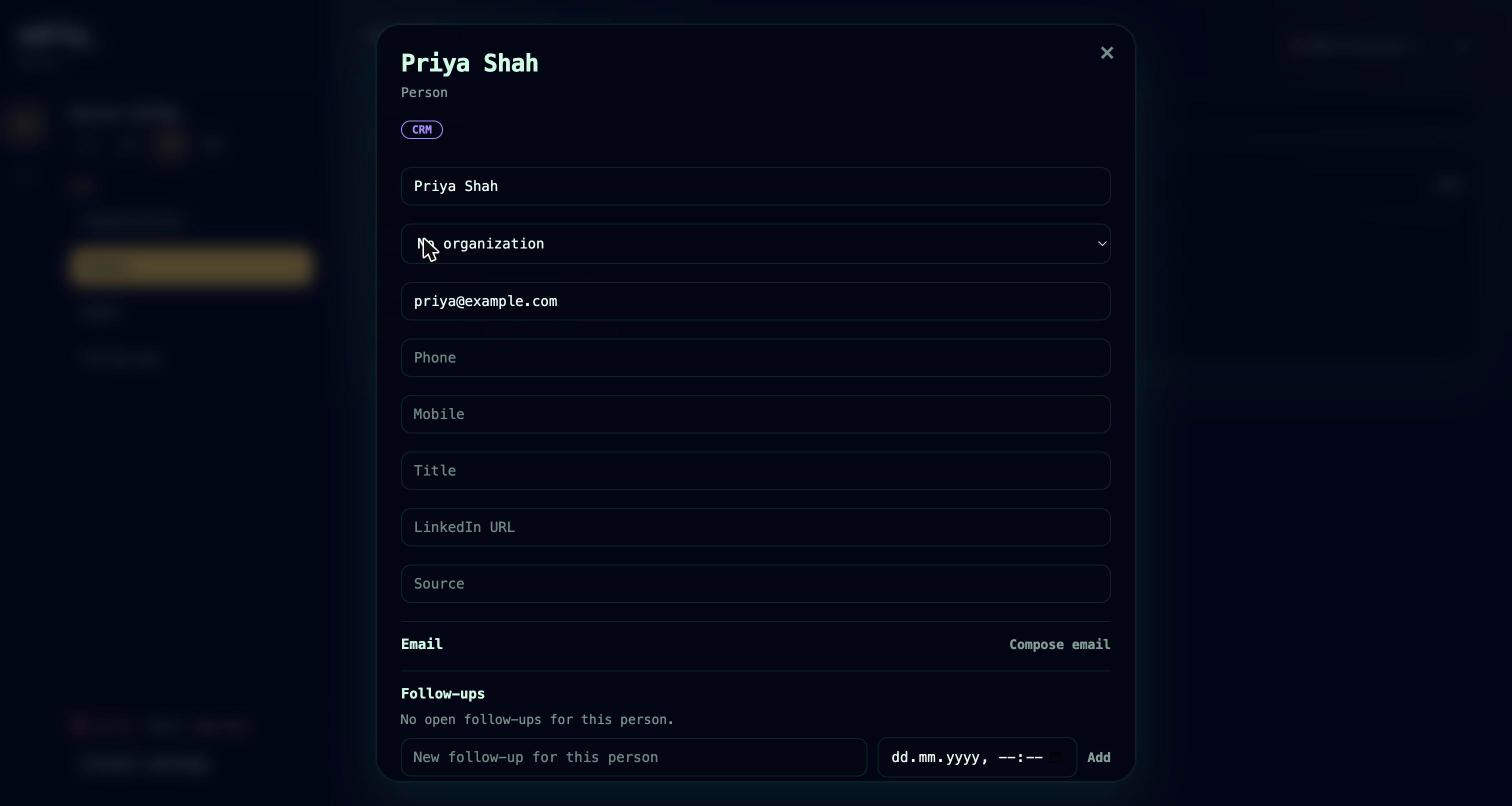
- People — contacts, optionally linked to an organization, with email, phone, mobile, title, LinkedIn URL, source, notes, and labels.
- Deals — a title, value and currency, a free-text stage, a status (open, won, or lost), probability, next step, expected close date, and links to a primary person, an organization, and a Sally project.
- Activities — timestamped notes, calls, emails, meetings, and follow-up records, logged against a person, organization, or deal.
- Follow-ups — dated reminders with a title, body, due date, and an open / done / cancelled status.
Records are never hard-deleted from the CRM — you archive them instead, which keeps history intact.
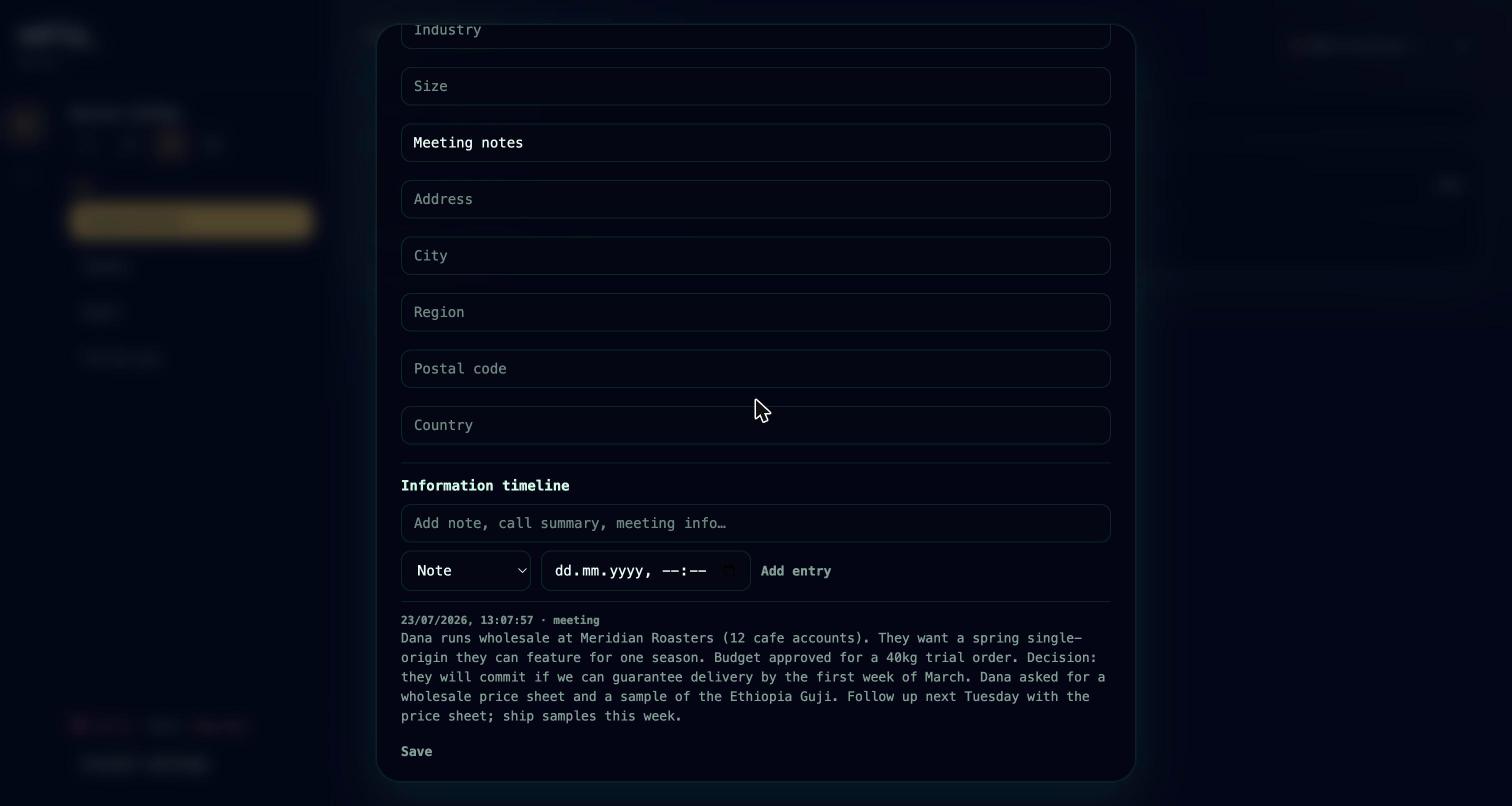
Over MCP, the full CRM is available to agents: crm.organization.list / crm.organization.get / crm.organization.create / crm.organization.update, the matching crm.person.* tools, crm.deal.*, crm.activity.list / crm.activity.add, and crm.follow_up.list / crm.follow_up.add / crm.follow_up.update. A practical pattern: after a client call, tell your agent what was discussed — it logs the activity, updates the deal, and creates the follow-up while you move on.
Deals and projects
A deal can carry a projectId, linking the commercial relationship directly to the delivery work in Projects & tasks. When a deal is won, the project that fulfills it is one click — or one agent call — away, and the activity trail on the deal stays connected to the work it produced.
The relationship graph
Underneath per-brand CRM, Sally keeps a global relationship graph — organizations and people recognized across every brand in your account, not scoped to a single workspace. When the same real person or company already exists in another brand you run, Sally can point the new CRM record up to that shared identity, so "we already know this person from another brand" is something the system knows rather than something you have to remember.
Agents can read the graph with relationship.person.list and relationship.organization.list. Shared identities are created implicitly during memory intake rather than through a dedicated create tool.
Marketing and CRM
CRM people and marketing contacts are two views of the same person, joined by a link on the marketing contact. One CRM person can map to more than one marketing contact.
marketing.contact.convert_to_crmpromotes a marketing contact into a CRM person, linking (or creating) the record idempotently and merging labels.- 1:1 email from the CRM (below) automatically creates or re-points a marketing contact for the recipient.
- The link is privacy-aware: when a marketing contact is erased under GDPR, the linked CRM person's personal data is redacted in the same pass.
The commerce value profile
When a brand has a connected store (see Connect your store), every CRM person carries a commerce value profile rolled up from their linked marketing contacts:
- lifetime order count, gross spend, refunds, and net spend
- currency, and the dates of the first and last order
- the products purchased and the underlying order IDs
The profile is returned inline on crm.person.get and crm.person.list as a commerce object, so an agent looking at a person already sees what they're worth and what they've bought — useful for spend-recognition emails, loyalty coupons, and review requests. Customers who place an order can be auto-promoted into the CRM as people, so purchasers show up as relationships without manual entry.
1:1 email from the CRM
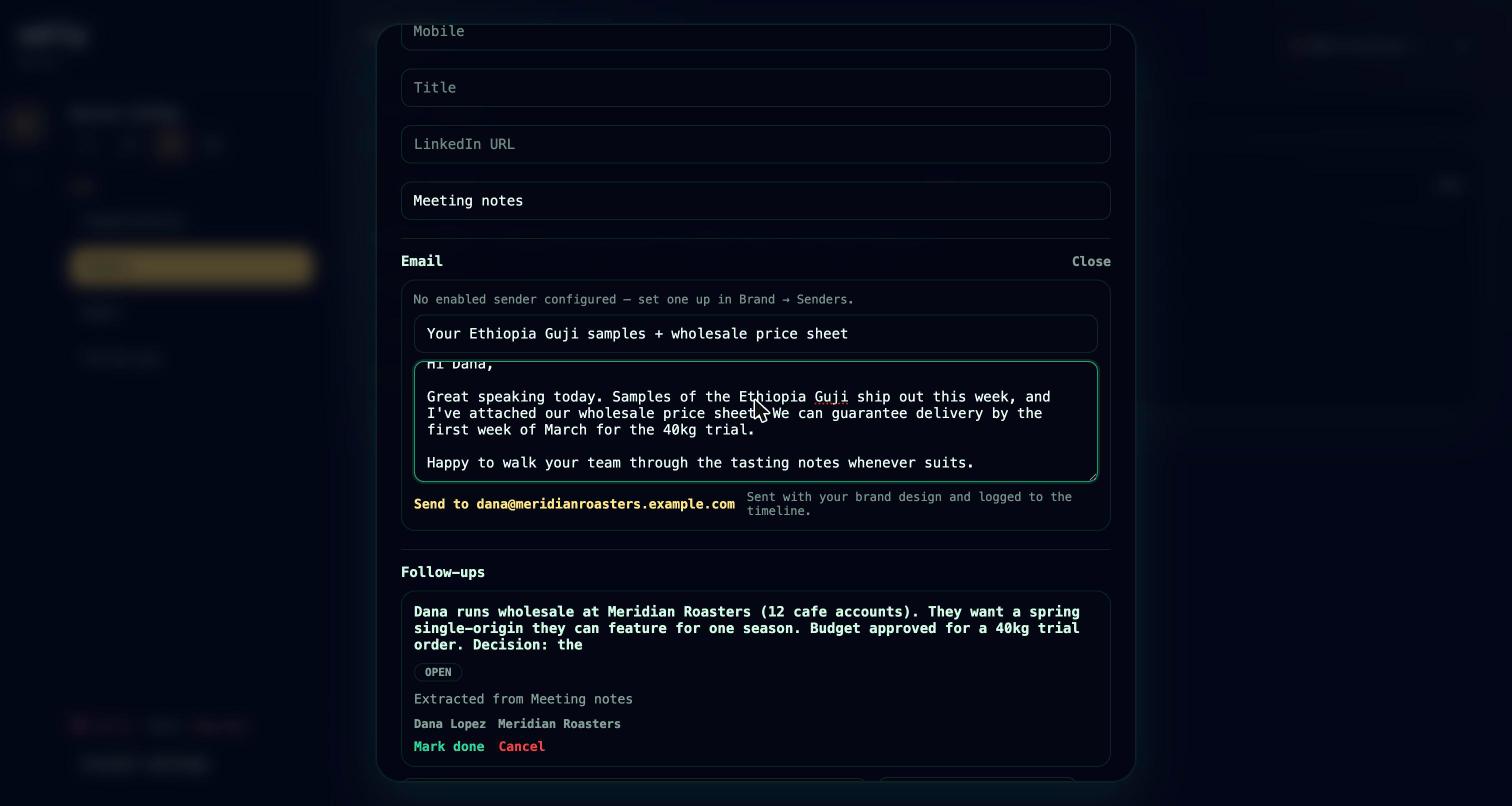
You can send a personal, one-to-one email to a CRM person directly from their record — this is a personal reply, not a marketing campaign. The message goes out through the brand's configured marketing sender (SMTP or AWS SES) and renders with the brand's visual identity. Sally respects the suppressed label on a person so you don't email someone who has opted out, links or creates a marketing contact for the recipient, and logs the send as an email activity on their timeline.
Agents send the same way with crm.person.email.
With agents
The CRM shares one permission model with the rest of Sally: an agent's reach is bounded by the credential behind it, and reads need CRM read access while writes need CRM write access. The whole surface — organizations, people, deals, activities, follow-ups, relationships, and 1:1 email — is exposed over the hosted MCP endpoint, so an agent can keep customer context current as a side effect of doing the work. See Connect your agent.
Roadmap
- Relationship graph write tools. Cross-brand identities are read-only over MCP today and are created through memory intake; direct create/update tools are not yet available.