Sally documentation
Sally turns the daily work of e-commerce brands into marketing campaigns. It runs your brand's marketing from what your business actually did: marketing automation — email, audiences, campaigns, senders, deliverability — sitting on top of a brand memory fed by your real operations, so newsletters and campaigns are written from evidence rather than from a briefing, with every claim traceable to its source and every send held for human approval.
Projects, tasks and CRM are built in because that is where the evidence comes from. Commerce connectors bring the same for shops: orders and products become contacts, context and campaign triggers.
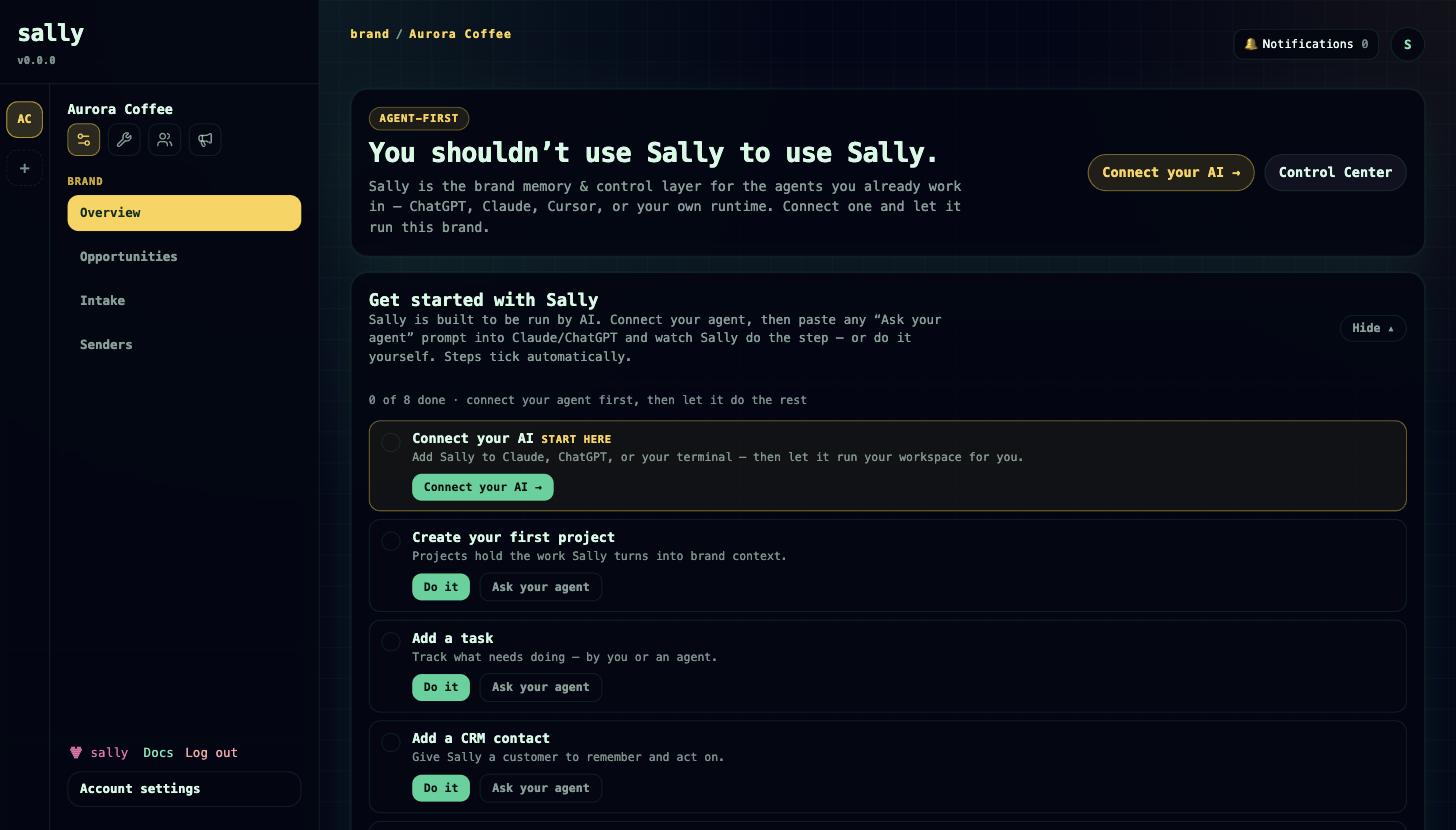
Everything Sally does is available three ways: a human web UI, a real HTTP API, and a hosted MCP endpoint for agents — so humans and AI agents work from the same brand memory, under one permission and approval model. Sally is public at usesally.com and the app runs at app.usesally.com.
This page explains what Sally is, what makes it different, who it's for, and how the pieces share one context. Every section links to a deeper page.
What Sally is
Every week, marketing asks the business what to write about. The answer already exists — in finished projects, shipped work, shop orders, closed deals — but it never reaches the people making the newsletter. Sally is marketing automation that sits on top of that evidence.
Connect Claude or ChatGPT and your agent reads what your brand actually did — from a brand memory (a second brain for your brand) fed by real operations — drafts the newsletter or campaign in your voice, links every claim to its source, and holds the send for your approval. Safe, reversible work runs automatically; anything outward-bound (mass sends, publishing, deletions, exports) waits for your approval, in My Work and by email, with full evidence and an audit trail.
The rest of Sally exists because that is where the evidence comes from, and it is all included in every plan:
- Marketing automation — contacts, consent, audiences, forms, a visual email builder, campaign flows, senders, deliverability, and human-gated sends. See Marketing.
- Brand memory — a typed, searchable second brain of facts, decisions, constraints, and brand voice that agents read before writing. See Memory.
- Commerce — Shopify and WooCommerce connectors that turn store orders into contacts, CRM people, and lifetime-value profiles — day-one evidence for a shop. See Connect your store.
- CRM — organizations, people, deals, activities, and follow-ups, plus a cross-brand relationship graph. See CRM.
- Projects & tasks — Kanban boards, priorities, labels, checklists, comments, blockers, and an agent handoff/resume workflow. See Projects & tasks.
- Timesheets — per-user time entries, billable flags, two-stage invoicing, and cross-project reporting. See Timesheets.
The five differentiators
1. Marketing written from evidence, with sources. Newsletters and campaigns are grounded in what actually happened — finished projects, orders, decisions — and every claim links back to the record it came from. Other tools can only rephrase what someone types into them. See Marketing.
2. A second brain fed by operations, not by note-taking. Typed brand memory (facts, decisions, constraints, preferences, brand voice) with semantic search, filled from projects, CRM, shop activity and meeting-notes intake, plus a single sally.context call that returns verified memory, active projects, open deals, overdue follow-ups, and standing instructions. See Memory.
3. Safe autonomy. Agents submit proposals; per-brand trust policies decide auto-execute versus approval. Safe actions (memory writes, notes, tasks, drafts, handoffs) run automatically; risky actions (email.send, publish.external, record.delete, data.export, bulk updates) are quarantined for human approval. Blockers, approvals, and normalized evidence turn "an agent did something" into an auditable, reversible flow. See Governance.
4. Works from the AI you already use. A first-party hosted MCP endpoint, reachable as a one-click connector in Claude and ChatGPT, exposes the whole product to your agent under the same permission model as the web app. You shouldn't have to use Sally to use Sally. See Connect your agent.
5. One converged evidence engine. Projects, timesheets, CRM, marketing, and commerce are one system sharing one set of records, one memory and one governance model — a store order can become a marketing contact and a CRM person and a lifetime-value profile and trigger a campaign, and an agent can drive all of it under approval.
Who Sally is for
One buyer, two evidence sources — multi-brand marketers sitting on operational reality that never reaches their marketing:
- Agencies and studios whose evidence is client project work — decisions, deliveries, wins, timesheets. Run the projects in Sally and every client brand gets its own second brain, senders and newsletters that cite real delivery.
- E-commerce brands whose evidence is shop activity — orders, products, launches, restocks, best sellers. Connect Shopify or WooCommerce and the evidence flows from day one.
The sharpest fit is the overlap: agencies and multi-brand operators who run e-commerce brands. Sally is multi-tenant by brand (workspace): pricing gates the number of brands, not seats or features. A customer account can own several brands, each with its own marketing, memory, projects and CRM. See Plans & billing.
How the pieces fit together
The suite is unified by three things shared across every module:
- One set of records. Projects can link to a CRM organization; deals can bridge to a project; a marketing contact can link to a CRM person; a store customer flows into all of them. There's no re-keying between modules.
- One memory and context layer. Memory items link to projects, CRM records, and campaigns. Agents call
sally.contextonce to orient, andproject.runtime_contextortask.resume_contextto pick up specific work. - One governance model. Whether a human clicks a button or an agent calls a tool, the same role checks and the same proposal and approval flow apply.
For agents, each capability is exposed as an MCP tool in dotted form (for example task.handoff.create, crm.person.create, marketing.message.propose_send); the connector surfaces the same tools underscore-prefixed (mcp__sally__task_handoff_create). Start every agent session with sally.context.
Start here
- Getting started — create your account and first brand, connect Claude or ChatGPT, draft your first newsletter.
- Core concepts — accounts, customer accounts, brands, projects, the role model, identity tiers, and governance.
- Connect your agent — give any MCP-capable agent access to Sally.
Working in Sally
- Marketing
- Memory — the second brain
- Connect your store
- CRM
- Projects & tasks
- Timesheets
Platform and integration
- Governance — approvals: proposals, trust policies, blockers, evidence, the decision log.
- HTTP API — the same surface over HTTP, with auth paths and resource routes.
- Security — passwords, sessions, 2FA, SAML SSO, key policies, and audit logs.
- Plans & billing — plans, brand limits, trials, and signup.
Roadmap
Some capabilities are in progress and not yet available. We'll describe them as shipped only when they are:
- Additional send channels. Marketing sending is currently email only (SMTP / AWS SES). SMS, WhatsApp, and Telegram are planned.
- External work-item sync. Sally tasks are the wired system today; Jira, Linear, and GitHub sync are planned.
- Passkey sign-in. Passkey (WebAuthn) registration is available; passkey login is still being finished. See Security.