Plans & billing
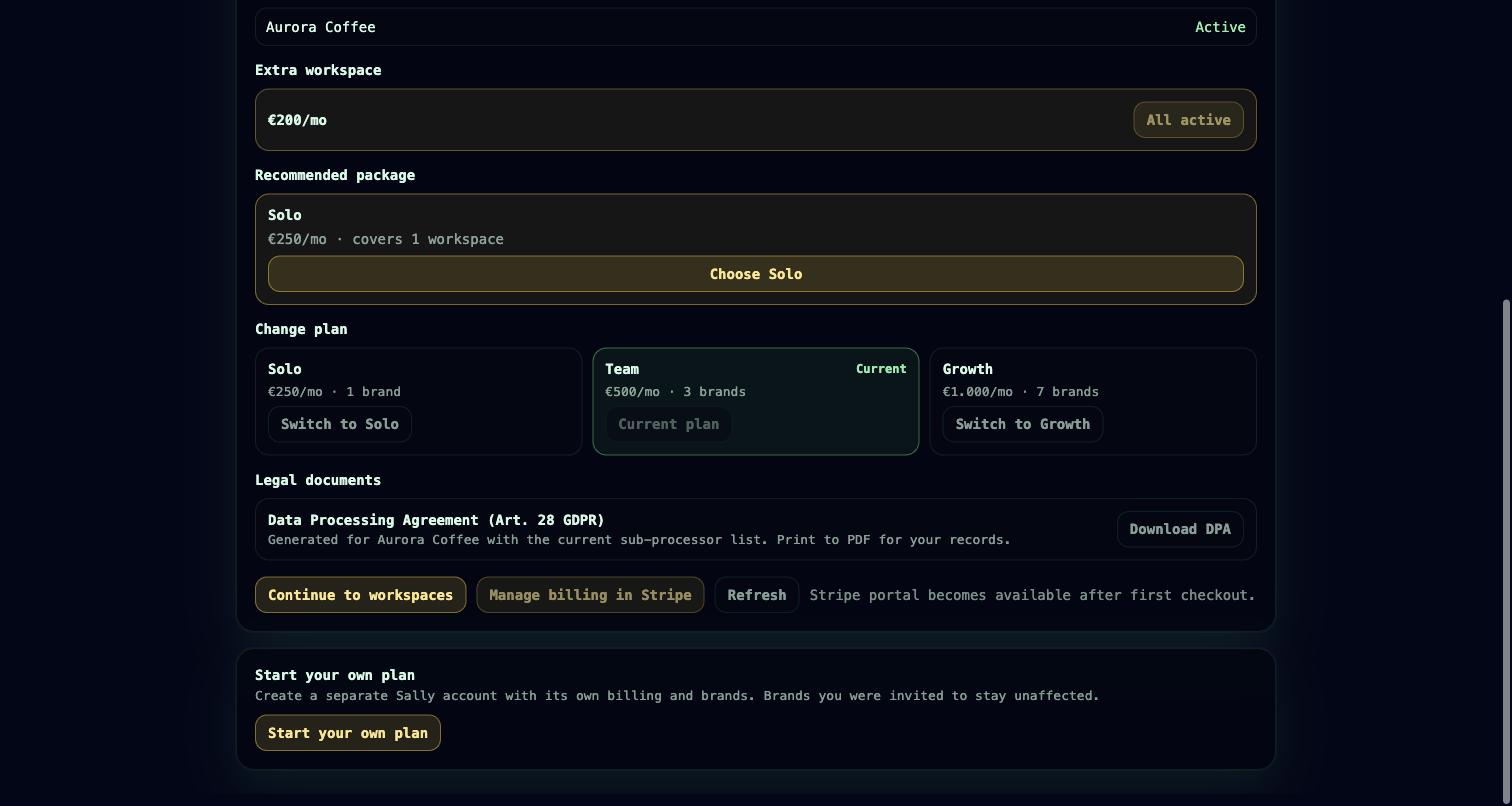
Sally is priced per brand, not per seat. Every plan includes the entire platform — projects and tasks, timesheets, CRM, marketing automation, brand memory, the HTTP API, the hosted MCP endpoint, and Control Center governance. Plans differ only in how many brands (workspaces) they include. Invite as many people — and connect as many agents — as you need without a seat counter.
Plans
| Plan | Price | Brands included |
|---|---|---|
| Solo | €250 / month | 1 |
| Team | €500 / month | 3 |
| Growth | €1,000 / month | 7 |
| Custom | Contact us | Negotiated |
- Extra brands: €200 per brand per month, added to any Solo, Team, or Growth plan.
- Custom covers enterprise and manually-billed accounts — a negotiated brand allowance and terms. Write to hello@usesally.com.
- Prices exclude VAT.
A brand is a workspace: an isolated tenant with its own CRM, marketing, memory, projects, senders, and store connections. See Concepts for how accounts, customer accounts, and brands relate.
Signing up
Sally uses a two-phase, confirm-by-email signup so no account is created before the email address is verified:
- You submit your name, email, password, brand name, and chosen plan. Sally stores a pending signup and emails you a confirmation link. No account exists yet.
- You click the link (valid for 24 hours). Sally creates your login, your customer account, your first brand, and a trialing subscription, then signs you in.
If you were already invited to someone else's brand, you can still create your own customer account from the same flow — it is separate from any brand you were invited to.
Free trial
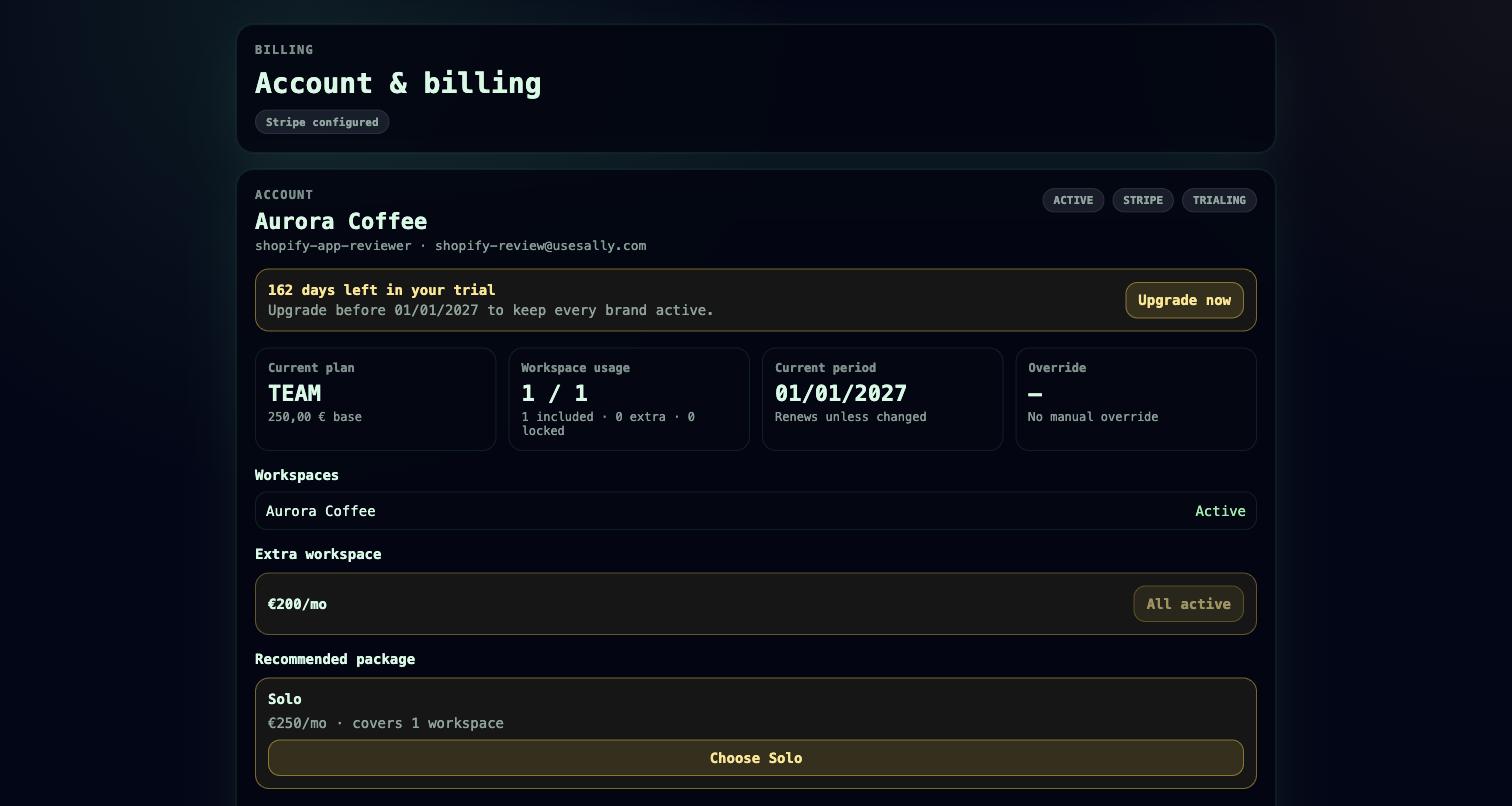
Every new customer account starts with a 7-day free trial on the plan you picked, no card required. During the trial you have the full platform and can create brands up to your plan's limit. When the trial ends, add payment from Account → Billing to keep working; until you do, the account is read-only for new work.
Billing with Stripe
Payment runs through Stripe. From Account → Billing, members with billing access can:
- start checkout and enter or update payment details in the Stripe billing portal
- change plans, or schedule a change to take effect at the end of the current period
- add or remove extra brands (changes are prorated on your next invoice)
- cancel (effective at period end) and reactivate before the period closes
Who can manage billing: the customer-account Owner, Admin, and Billing roles. Every billing action is written to an audit trail. See Concepts for the full role model.
Brand limits
Your allowance is included + extra brands. Sally enforces it when you create a brand: over the cap returns an error, and you add an extra brand or move up a plan to continue. Archived brands do not count against the limit. If a subscription lapses, brands are soft-locked rather than deleted, and unlock again once billing is current.
An account stays usable while its subscription is active, trialing, or past_due; a trial stops being usable once it expires.
Inviting your team
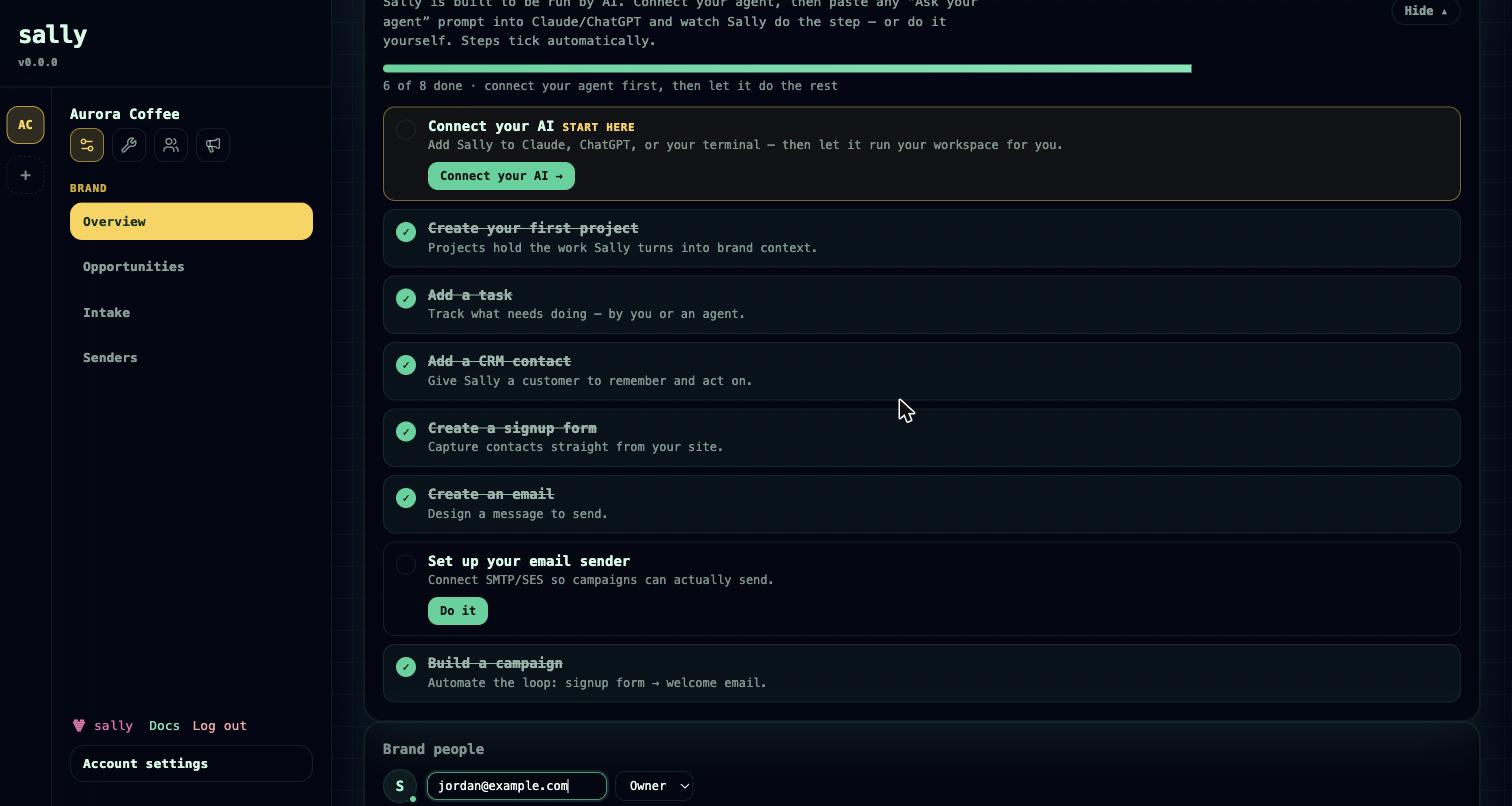
Because pricing is per brand, invites are free. From a brand's settings, an Owner invites a teammate by email and assigns a workspace role (Owner, Member, or Viewer). The invitee gets an email; accepting adds them to that brand — and, if they are new to Sally, creates their login. A single person can belong to many brands across different customer accounts under one login.
Agents can send the same invites under governance with the workspace.invite MCP tool, and list reachable brands with workspace.list. An agent's invite reach is never broader than the credential behind it — see Connect your agent and Governance.
Roadmap
- Passkey login — passkey registration exists today; full passwordless sign-in is in progress. See Security.
- Self-serve Custom / annual plan configuration — for now, Custom plans are arranged by email.